




Contents: Removal ↓ Installation ↓
Removal
1. Prepare the car for work and disconnect the terminal from the negative terminal of the battery (see "Preparing the car for maintenance and repair").
2. Using a Phillips screwdriver, unscrew the three screws securing the left trim panel of the instrument panel console.
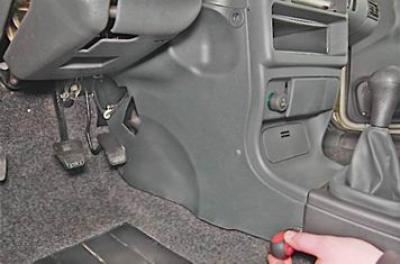
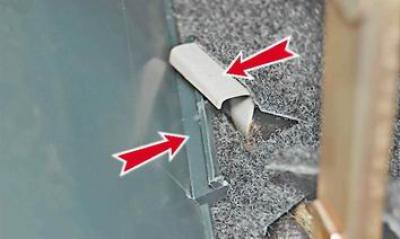
3. Remove the trim by removing the protrusion in its lower part from the body bracket.
4. Using a Phillips screwdriver, unscrew the five screws securing the right trim panel of the instrument panel console.
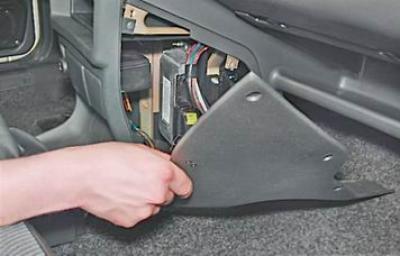
5. Disconnect the wiring harness connector from the cigarette lighter.
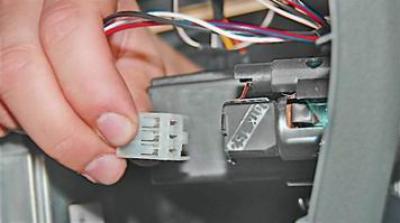
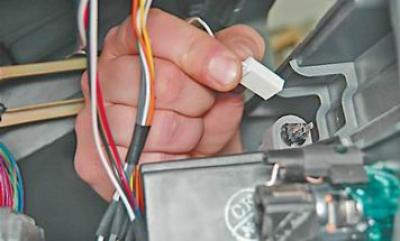
6. Disconnect the wire connector from the cigarette lighter illumination lamp.
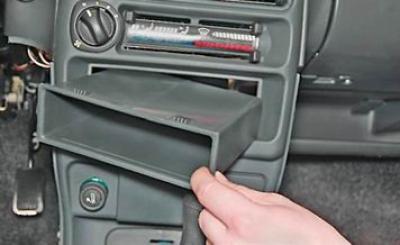
7. Pushing from the inside, we take out the niche for small items.
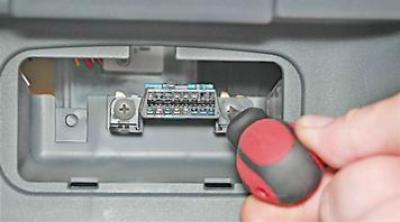
8. Using a Phillips screwdriver, unscrew the two mounting screws and push the diagnostic connector block into the panel.
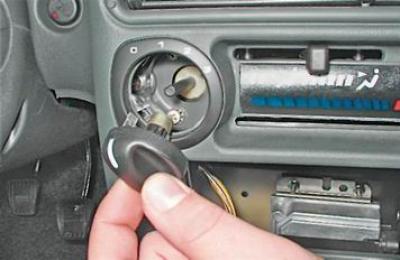
9. Pull it towards you or pry it with a screwdriver to remove the heater electric fan switch handle.
10. Using a narrow slotted screwdriver inserted between the lever and the handle, remove the handle from the lever.
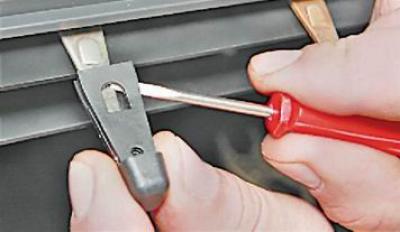
11. Using a Phillips screwdriver, unscrew the two screws above the instrument panel.
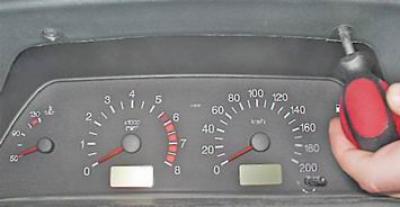
12. Also unscrew the two screws under the instrument panel.
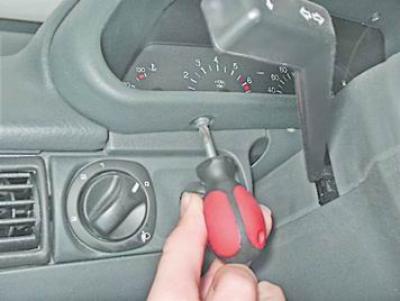
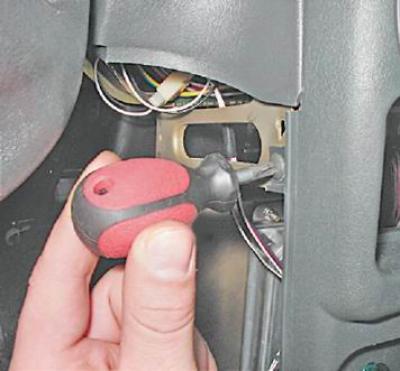
13. Using a screwdriver, remove the plug and unscrew the screw holding the upper instrument panel trim.
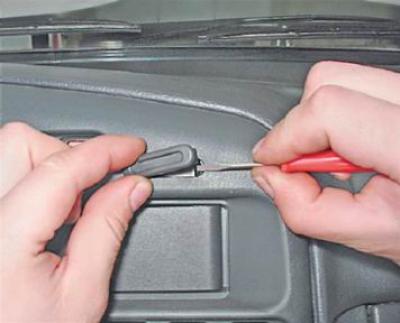
14. Unscrew two screws (the second one is on the right side of the overlay) lower fastening of the lining.
15. Move the trim slightly away from the instrument panel.
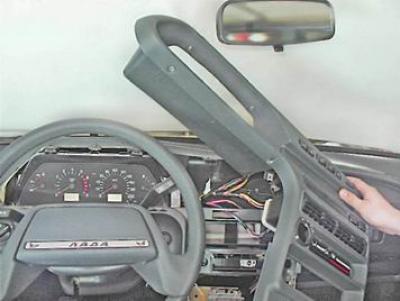
16. Marker (or in some other way) we mark the order of connecting the wiring harness pads to the switches.
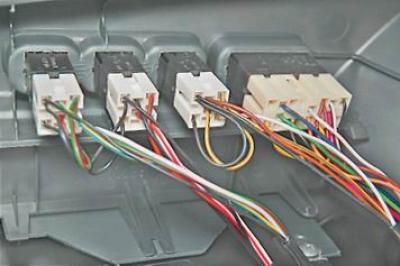
17. Disconnect the wiring harness connectors from the switches.
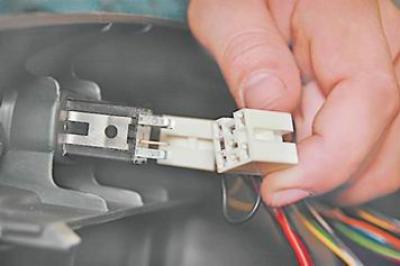
Note: If it is necessary to replace the instrument panel trim, remove the switches from it.
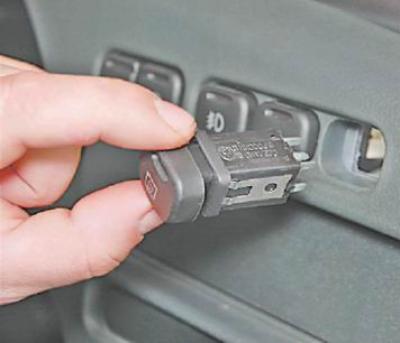
18. Remove the instrument panel (see "Instrument cluster - removal and installation").
19. Unscrew the steering column bracket mounting bolts and lower the column down (see "Steering column - removal and installation").
20. Using a Phillips screwdriver, unscrew the two screws securing the bracket to the panel.
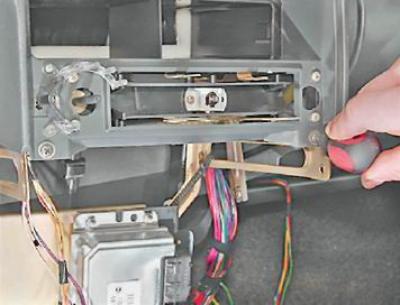
21. Key by 8 mm we unscrew the two screws that secure the bracket to the right crossbar...
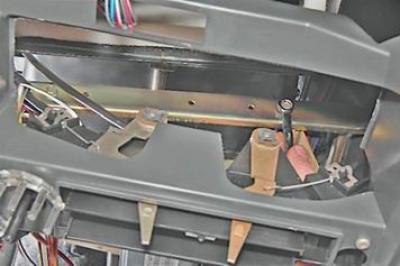
... and also two screws for the lower bracket mount.
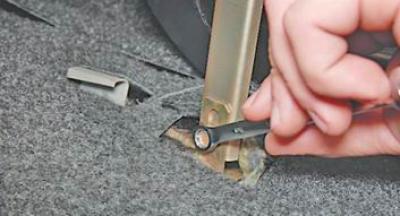
22. Move the bracket with the control unit and the relay and fuse box to the side.
23. Using a Phillips screwdriver, unscrew the screw securing the light guide and remove it from the instrument panel.
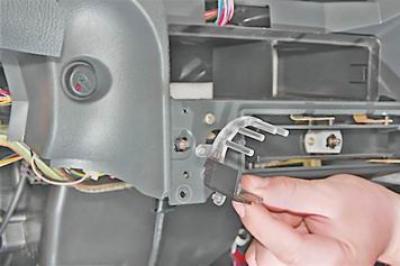
24. Using a Phillips screwdriver, unscrew the four screws securing the heater control unit and push it into the panel.
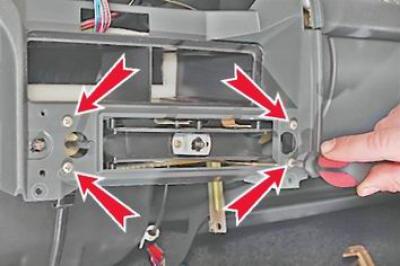
25. From the inside of the panel, turn it 90° and remove the lamp socket for the heater electric fan switch handle illumination.
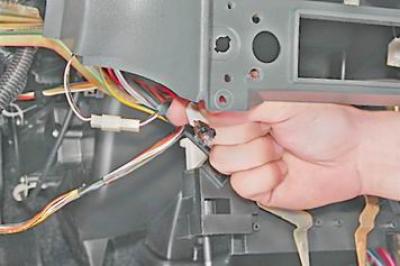
26. Press the lock on the right side of the air duct and remove it from the panel.
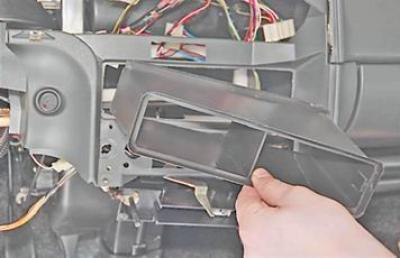
27. Pulling towards you, remove the headlight range control handle.
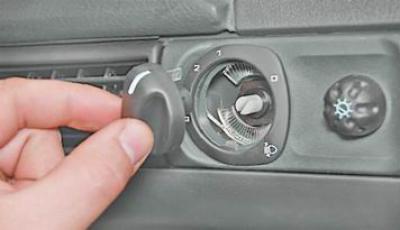
28. Remove the instrument lighting control knob in the same way.
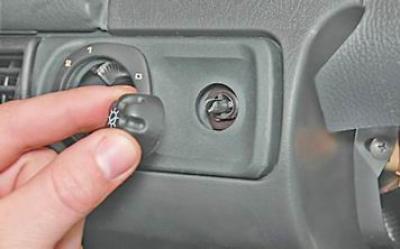
29. Using a screwdriver, remove the decorative insert from the instrument panel.
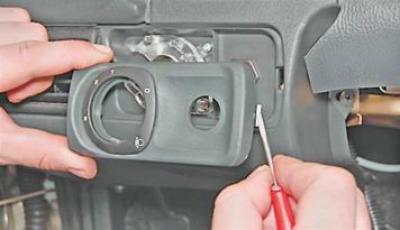
30. To avoid damaging the light guide, use a Phillips screwdriver to unscrew the screw that secures it and remove it from the panel.
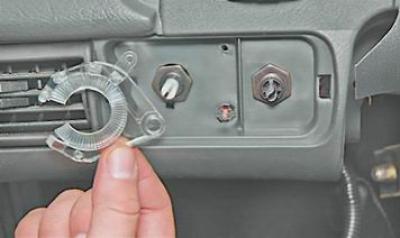
Warning! The light guides for the heater electric fan switch handle illumination and the headlight range control are not interchangeable.
31. With a socket wrench by 21 mm (spark plug wrench), or using pliers with narrow jaws, unscrew the hydraulic corrector mounting nut (1) and push it into the instrument panel.
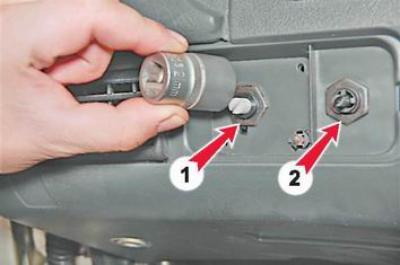
32. In the same way, unscrew the instrument lighting regulator mounting nut (2) (see photo above).
33. Turn the bulb socket 90° and remove the hydraulic corrector illumination lamp from the panel.
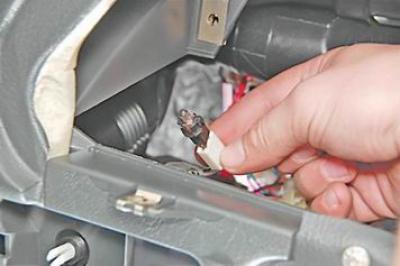
34. Disconnect the instrument lighting control wiring harness connectors.
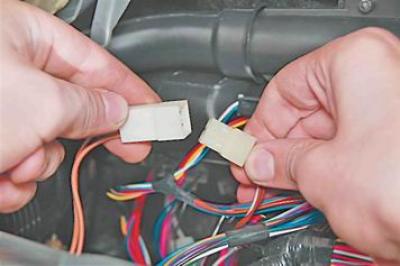
35. Disconnect the two wiring blocks of the immobilizer sensor.
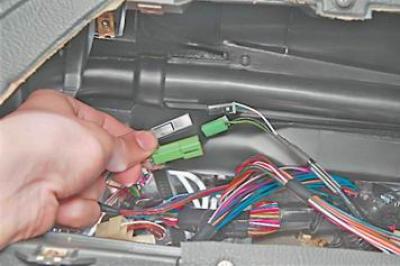
36. Disconnect the wiring harness connector from the immobilizer unit.
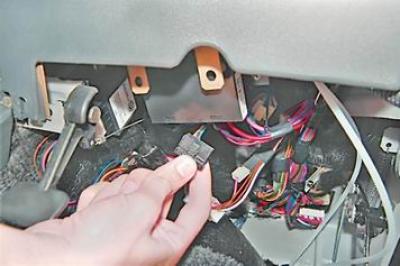
37. Disconnect the wiring harness connectors of the glove compartment lighting lamp.
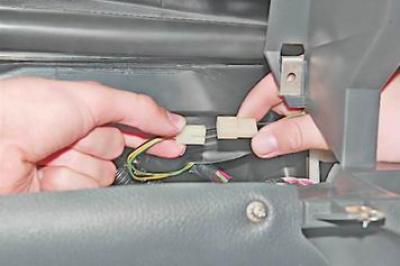
38. Disconnect the connectors of the portable lamp socket wiring harness.
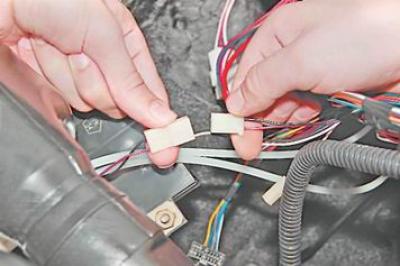
39. Using a Phillips screwdriver, unscrew the two screws that secure the top panel mount (the second screw is on the right side).
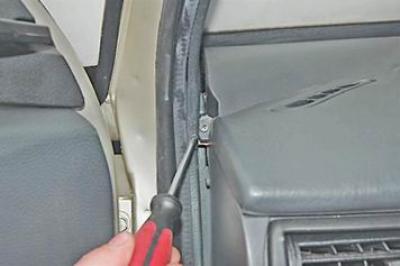
40. Unscrew the two screws of the lower panel mount.
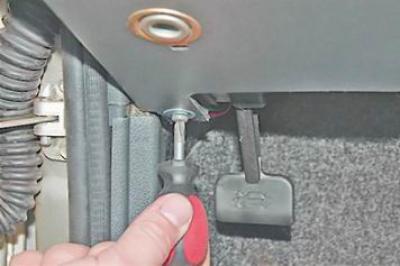
41. Using a Phillips screwdriver, unscrew the screw securing the panel to the left crossbar.
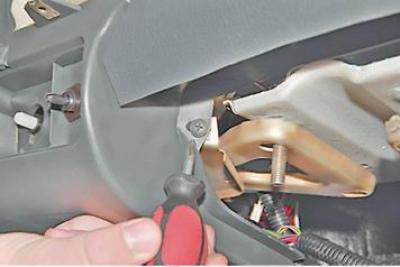
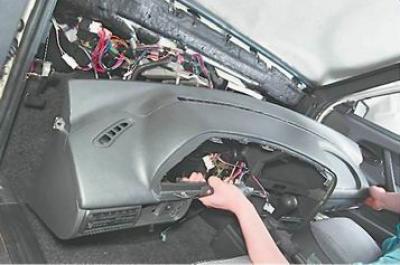
42. Remove the instrument panel.
Installation
We install the instrument panel in the reverse order.